
Your team hands you a blurry product photo, a two-minute voicemail, and a chat transcript. They want a confident read in under ten minutes. Single-modality prompts force you to choose between partial context or slow manual stitching. Errors spike when screenshots or audio snippets lack evidence.
Multimodal ChatGPT can read images and audio alongside text. Used well with verification prompts and second-opinion checks, it compresses analysis time. It also keeps a clear audit trail. Practitioners built these reusable systems for other professionals.
You can Explore all features for multi-AI orchestration to cross-check these outputs. This guide provides step-by-step workflows, failure modes, and validation patterns. You will learn exact methods to verify complex data.
What Multimodal ChatGPT Means
Professionals must define modalities, capabilities, and constraints clearly. This technology processes multiple input types simultaneously. The model interprets different data streams to form a complete picture.
Supported inputs include specific file types:
- Text documents and chat transcripts
- Images like photos, screenshots, and charts
- Audio files including voice memos and recorded calls
Typical strengths include object extraction, layout reasoning, and high-level description. It handles short audio transcription very well. The system can identify relationships between visual elements.
Common limits exist for fine-grained optical character recognition on poor-quality images. Small text at oblique angles causes frequent errors. Domain-specific symbol interpretation remains difficult. Long audio files suffer from severe latency issues.
Teams must weigh privacy, cost, and latency trade-offs by modality. Visual inputs cost more than plain text. Audio processing takes longer than reading transcripts.
Core Prompt Building Blocks
You need to structure prompts for each modality carefully. Clear templates reduce errors and improve consistency. You should treat each input type differently.
Image prompting templates require specific elements to work well:
- Clear role definition for the AI
- Specific extraction goals and targets
- Rigid format schema for the output
- Explicit uncertainty callouts for blurry sections
Audio prompting templates need different structures entirely. You must guide the model to listen for specific cues.
- Provide speaker diarization hints to identify voices
- Demand specific timestamps for all claims
- Separate emotional sentiment from factual statements
A combined chain follows a strict sequence. You describe the input, extract the data, verify the facts, and summarize the findings. You should download our prompt cards for combined workflows.
Professional Workflows by Modality
Images: From Screenshot to Structured Data
Legal teams often turn a contract clause screenshot into a key terms table. This table includes party names, dates, and jurisdictions. The model must provide confidence scores for each extracted field.
Use this exact prompt pattern for images:
- Describe the document layout and structure
- Extract fields to a strict JSON schema
- Cite on-image evidence with bounding box references
- Flag any visual ambiguities or smudged text
Audio: Short Call Clip to Action Items
Financial analysts can process a 90-second earnings call clip rapidly. The output becomes a transcript with decisions and open risks. Every risk must tie back to exact timestamps.
Follow this pattern for audio clips to maintain accuracy:
- Transcribe the exact spoken words first
- Separate factual claims from personal opinions
- Summarize the call with references to specific timestamps
Charts and Figures: Explain, Then Check
Researchers often need to extract data from a complex line chart. The model identifies axes and units before explaining the trend. It then highlights potential misreads and confounders.
Apply this sequence for scientific charts and graphs:
- Identify all axes, units, and legends
- State the underlying assumptions of the chart
- Provide three alternate explanations for the trend
- Detail exactly what data is missing from the image
Verification and Risk Controls
You must make outputs auditable and reliable. High-stakes work requires strict evidence rules. You cannot trust a single unverified output.
Activate evidence mode for all complex queries. This forces the model to cite image regions or audio timestamps. You can read peer-reviewed visual reasoning studies to understand these failure modes.
Use counterfactual prompts to test logic. Ask the model what specific facts would change its conclusion. Require ambiguity enumeration and strict confidence bands for all numbers.
You must know when to escalate to a human reviewer. Route critical steps through a second opinion when decisions carry risk. Using Decision validation for high-stakes knowledge work exposes blind spots effectively.
When to Use Text-Only vs Multimodal
Teams need a decision tree to balance latency and accuracy trade-offs. Not every task requires visual or audio processing. Text remains the fastest and cheapest method.
Choose your pathway based on these strict rules:
Watch this video about multimodal chatgpt:
- Prefer image inputs if the task depends on layout or handwriting.
- Rely on visual context when spatial relationships matter.
- Include audio if the primary signal is prosody or speaker intent.
- Stay text-only if the cost and latency budget is tight.
Build a matrix weighing task value, risk, and modality benefit. Text often provides the fastest baseline for simple queries. Add modalities only when they provide necessary context.
Enterprise Considerations
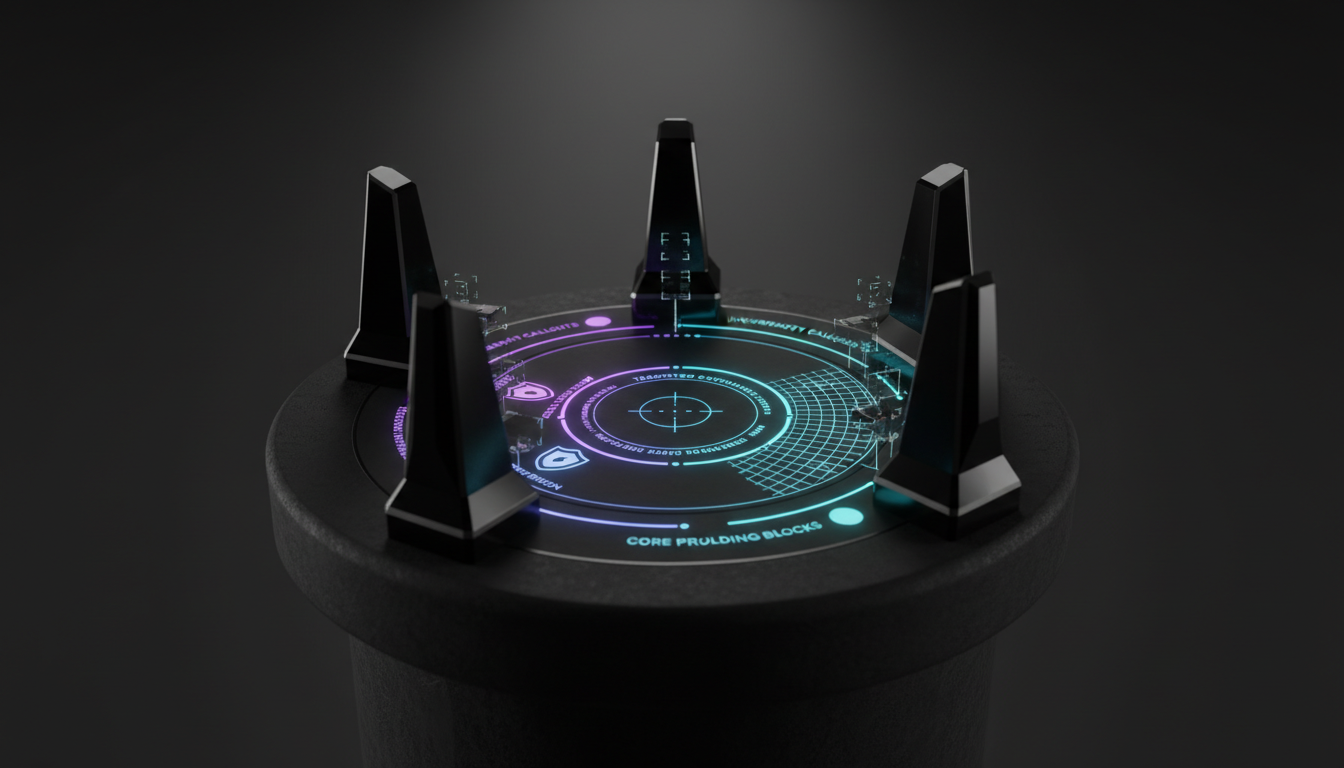
Organizations must deploy these tools safely. Security and compliance come first. You cannot upload sensitive client data without safeguards.
Handle redaction and personally identifiable information carefully in screenshots. Scrub audio files of sensitive names before uploading. Establish strict access control for shared artifacts like images and transcripts.
Maintain comprehensive logging for all activities. Keep records of inputs, prompts, outputs, and evidence references. This creates a reliable paper trail for compliance audits. See how the Knowledge Graph supports structured retention and traceability.
Force schema-first outputs like JSON for downstream systems. This prevents formatting errors in automated pipelines. Predictable formatting saves hours of manual data cleaning.
Second Opinions and Cross-Model Checks
Single-model bias presents a real danger in professional analysis. You can reduce this risk through structured verification. Never rely on one AI for a critical business decision.
Run the same image or audio task across two different models. Compare their outputs to find disagreements. Use structured debate prompts to probe weak points in the initial answer.
Escalate contentious claims to a targeted fact-check step with sources. Practitioners coordinate multiple AIs in a structured back-and-forth. They capture convergence and divergence notes when final outputs need justification.
Teams can learn about the AI Boardroom to set up these checks. Readers often learn about Suprmind – Multi-AI Orchestration Chat Platform to automate verification. This multi-model approach catches errors that single models miss.
Playbooks
These ready-to-run sequences handle common professional tasks. You can Try the playground to test multimodal prompts with your own files. Start with non-sensitive data to learn the system.
The Screenshot-to-Table playbook serves legal and operations teams well. The sequence outputs JSON fields, citations, and an ambiguity list. It turns messy contracts into clean databases.
The Voice Memo-to-Decision Brief helps product and executive leaders. It generates a clean transcript, identifies risks, and outlines next steps. It separates what was said from what was implied.
The Chart Sanity Check protects research integrity. The prompt extracts axes and units while generating alternative hypotheses for the data. You can review the official OpenAI vision capabilities to see exact chart limitations.
Frequently Asked Questions
What file formats work best for visual inputs?
Standard formats like JPEG, PNG, and non-animated GIFs perform best. High-resolution files yield better text extraction results. Blurry or highly compressed images will cause hallucination errors.
Can this tool process live phone calls?
You must record the audio first. The system processes recorded files rather than live streaming audio. You should use standard MP3 or WAV formats for the best transcription accuracy.
Does multimodal ChatGPT replace standard text prompts?
Text remains the fastest and cheapest method. You should add visual or audio inputs only when they provide necessary context. Simple queries still work best with plain text.
Conclusion
Professionals need reliable ways to process complex information. With the right prompts and verification patterns, this technology compresses analysis time. It achieves this speed while maintaining full traceability.
Keep these key takeaways in mind as you build your workflows:
- Choose modalities for clear signal, not just for novelty.
- Enforce evidence and uncertainty prompts to make results auditable.
- Use second opinions for all high-stakes claims.
- Document schema-first outputs to speed up downstream use.
Explore how structured multi-model validation complements these workflows in high-stakes contexts. Build your custom verification process today. Start testing these prompts with your own safe files.


